
In the fast-paced digital world, grabbing attention is just half the battle — keeping users engaged until they complete a task is the real challenge. That’s where the Goal Gradient Effect becomes a powerful tool in a UX designer’s playbook.
What Is the Goal Gradient Effect? 🎯
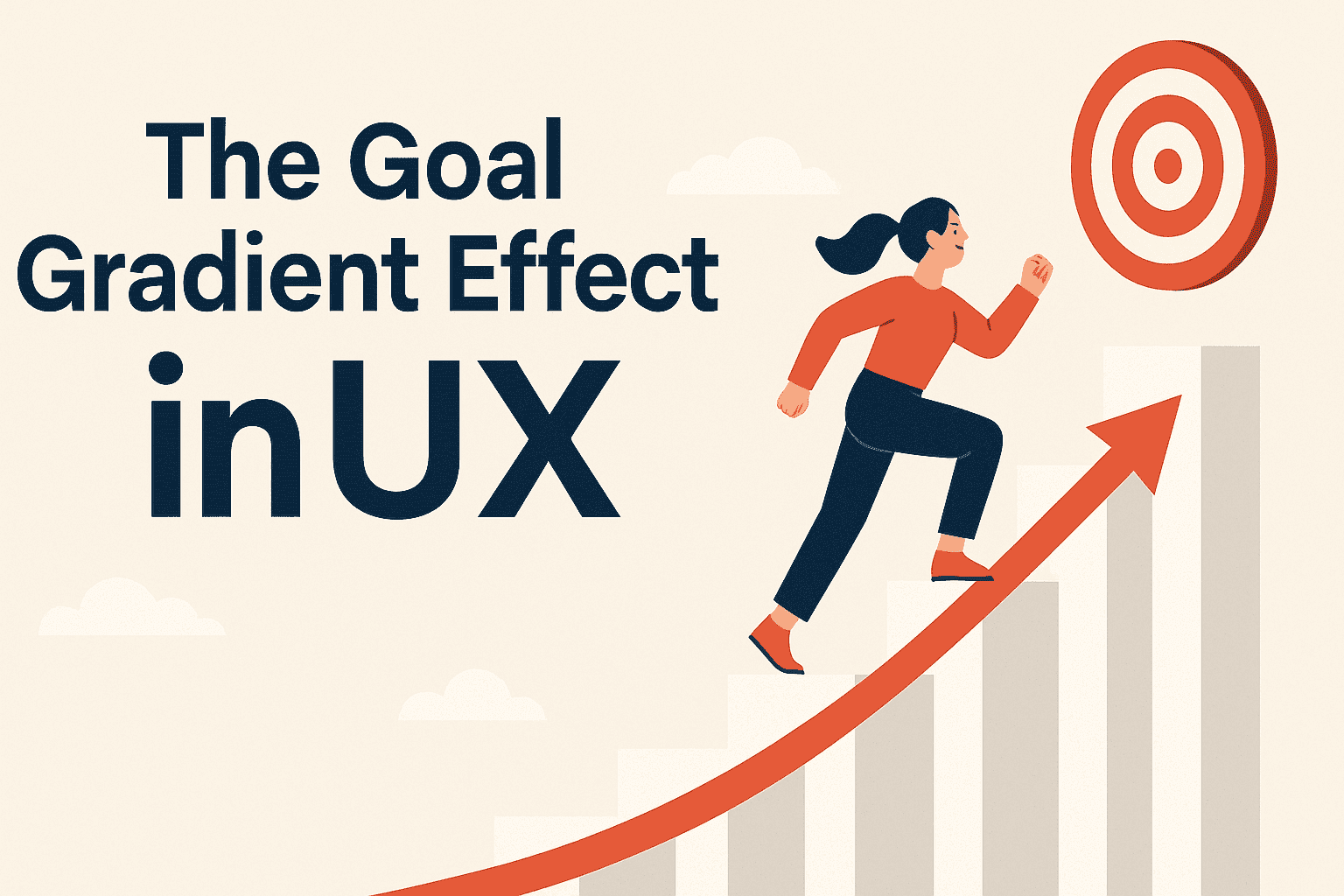
First discovered by behaviorist Clark Hull in 1932, the Goal Gradient Effect suggests that the closer people are to reaching a goal, the faster and harder they work to achieve it.
Just like rats who ran faster toward the end of a maze, humans too are more motivated as they see the finish line approaching. Whether it’s filling out a form, completing a profile, or unlocking a reward — progress fuels action.
How It Applies to UX/UI Design
In product design, users are constantly moving through flows: onboarding, checkout, content creation, etc. When progress is visible and measurable, users are more likely to stay on track.
Here’s how you can apply the Goal Gradient Effect in your design:
1. Use Progress Indicators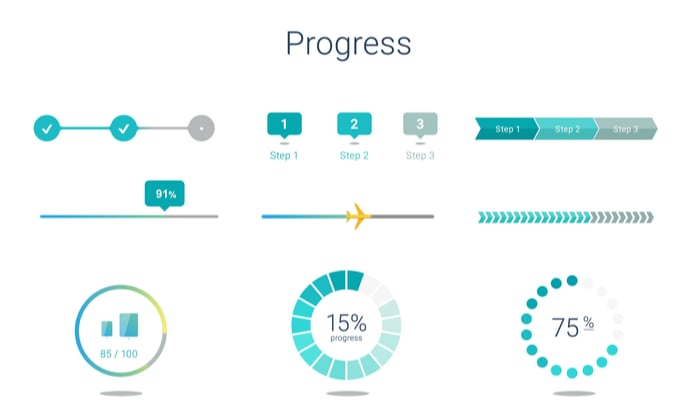
Progress bars, step indicators, or completion percentages help users see how far they’ve come — and how close they are to finishing.
This sense of momentum reduces drop-offs in forms, tutorials, or surveys.Example:
A signup process that shows “Step 3 of 4” creates urgency and reassurance — the end is in sight.
2.Break Tasks into Smaller Steps
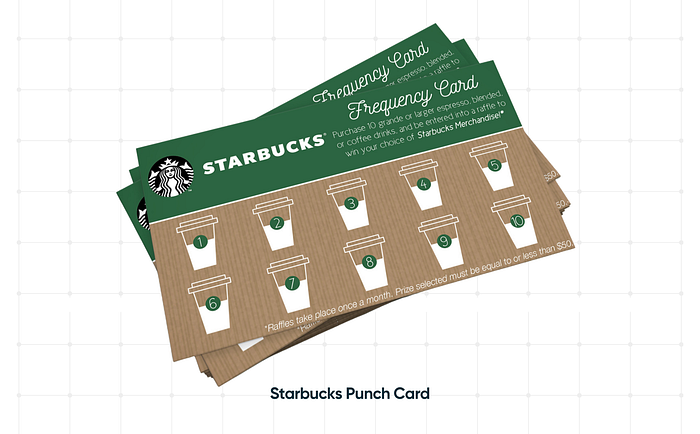 Large tasks feel overwhelming.
Divide them into bite-sized milestones to keep motivation high.
Add a checklist or task tracker to make each step feel like a mini win.
Example:

Profile completion features that show:
Upload a photo
Add your skills
Verify your email. You’re 75% there!
3. Start with a Head Start
Give users “fake progress” — such as 20% complete on a loyalty card.
This small trick boosts motivation and reduces friction at the beginning.Example:
Instead of “0/10 purchases,” show “2/12 purchases completed” — users feel they’ve already begun and are less likely to give up.
4. Reinforce with Micro-interactions
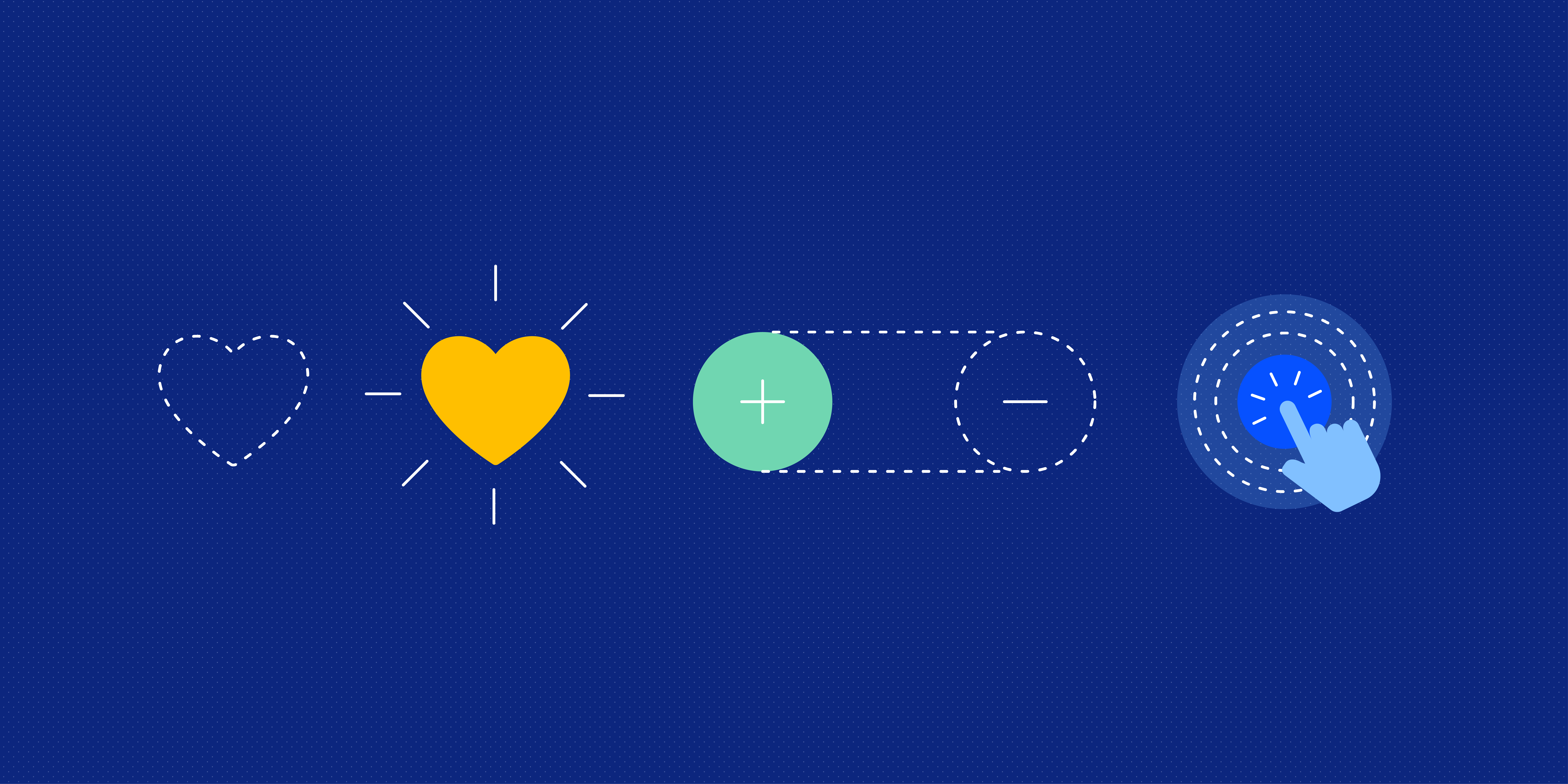
Celebrate small wins with delightful UI cues: animations, confetti, or sounds.
These reinforcements tap into dopamine responses and make the journey enjoyable.Example:
Confetti when users complete a quiz or get a reward badge keeps them emotionally engaged.
The Goal Gradient Effect isn’t just a psychological quirk — it’s a powerful UX principle that can drive completion rates, loyalty, and user satisfaction.
As designers, our job is to make progress visible, achievable, and rewarding. When users can see the goal getting closer, they’re more likely to cross the finish line.



0 Comments